Keep it as drawn, or bring it to life
| The drawing as it is | AI illustrated version | |
|---|---|---|
| What you get | Your child’s exact lines inside a card frame | A painted creature based on the drawing’s shape and colors |
| Cost | Free | 1 AI credit (your first is free) |
| Privacy | Stays in your browser | Sent to our AI provider after an adult confirms permission |
Many families make both and keep them side by side: the original as the “first form” and the illustration as its evolution.
Real examples from sample sketches
These two started as simple sketches we drew for the studio. They are not customer uploads.

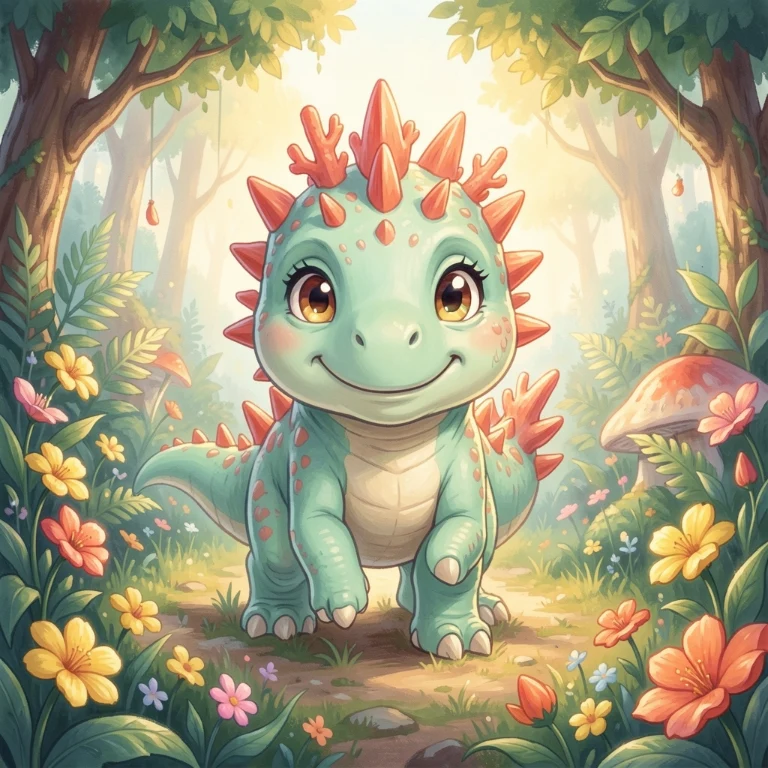

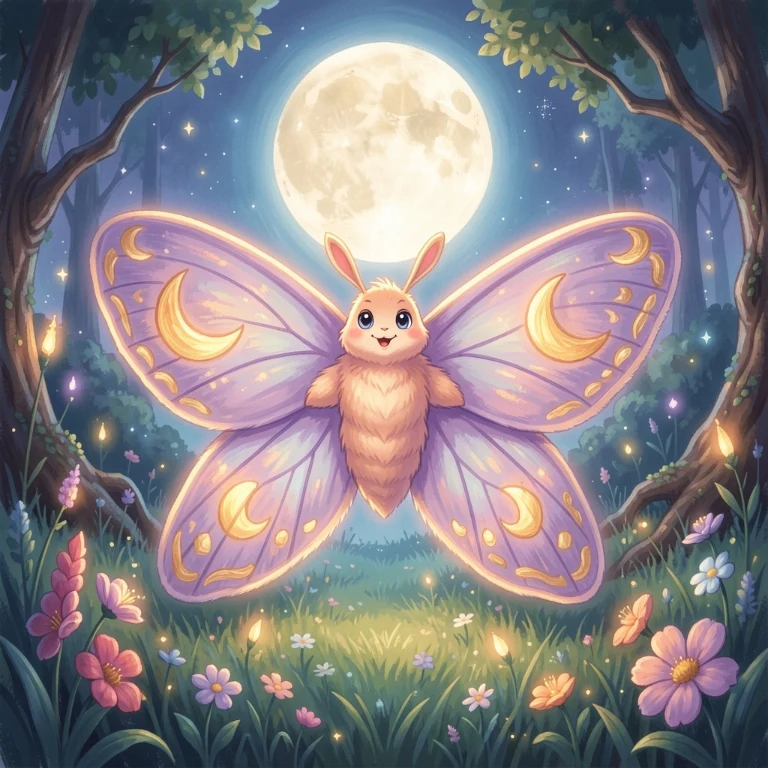
Step by step
- Photograph the drawing. Lay it flat near a window, hold the phone straight above it, and avoid shadows. Crop out the table and any name written on the paper.
- Add it to a card. Choose Start with my drawing. The picture goes straight onto a card, free and private.
- Choose what happens next. Keep it as it is, or press Turn it into AI art. An adult confirms permission, then press Generate.
- Add a direction if you like. A short scene such as “in a mossy jungle at sunrise” changes the world around the creature, not the creature itself.
- Name it together. Ask the artist for the creature’s name, its best move and what makes it special.
What the AI keeps, and what it changes
The AI follows the overall shape, the main colors and the idea of the drawing. It does not copy every line, and it may add texture, light and a background. Thick, dark outlines and simple shapes give the most faithful results; very faint pencil lines are harder to follow.
Make a before-and-after pair. Keep both cards in your collection and print them next to each other. It is a lovely way to show how an idea grew.
How Sproutsaur was made · How Moonmoth was made · More about photo cards